
Sample Blocks
Below are some example blocks. These are blocks of a certain type. They are not managed directly on this page, so when you hit "edit" on this page, you will not see them as part of the content of this page. However, if you click on "layout" and scroll to the bottom, you will see the block management section of this pages layout. The 50/50 Image with Text block type is nearly identical to the 50/50 Image with Text paragraph type. The decision on which one to use depends on where you want to manage the content, and if the content needs to live only one a single page or if it needs to persist across a lot of pages.
Image with Text - Image Left Background Colored
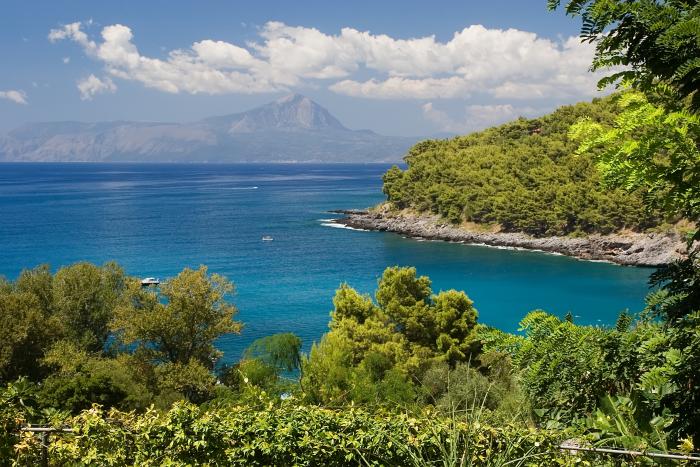
This block type if called "image with text." There is a paragraphs variation with the same fields. The block version is good for putting it on a bunch of pages, rather than having to create it on each page that allows paragraphs. The block version also has the option to have a colored background, or a transparent one. The paragraph does not have this option. The variations are done using block view modes. The same block can be reused with diffrent view modes. The eyebrow and call to action links are optional fields, but the image, title, and description are required fields.
Image with Text - Image Right Background Transparent
This block type if called "image with text." There is a paragraphs variation with the same fields. The block version is good for putting it on a bunch of pages, rather than having to create it on each page that allows paragraphs. The block version also has the option to have a colored background, or a transparent one. The paragraph does not have this option. The variations are done using block view modes. The same block can be reused with diffrent view modes. The eyebrow and call to action links are optional fields, but the image, title, and description are required fields.
Image with Text - Square image Left Background Colored
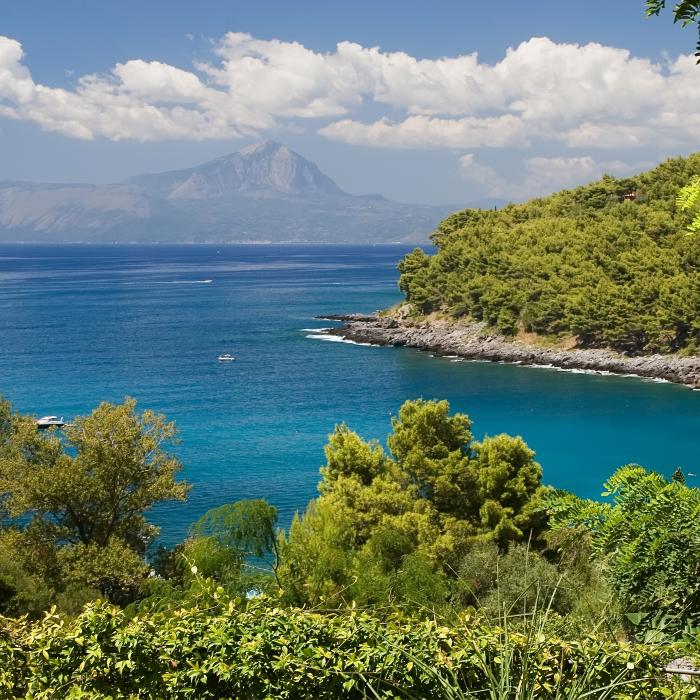
This block type if called "image with text." There is a paragraphs variation with the same fields. The block version is good for putting it on a bunch of pages, rather than having to create it on each page that allows paragraphs. The block version also has the option to have a colored background, or a transparent one. The paragraph does not have this option. The variations are done using block view modes. The same block can be reused with diffrent view modes. The eyebrow and call to action links are optional fields, but the image, title, and description are required fields.
Image with Text - Square Image Right Background Colored
This block type if called "image with text." There is a paragraphs variation with the same fields. The block version is good for putting it on a bunch of pages, rather than having to create it on each page that allows paragraphs. The block version also has the option to have a colored background, or a transparent one. The paragraph does not have this option. The variations are done using block view modes. The same block can be reused with diffrent view modes. The eyebrow and call to action links are optional fields, but the image, title, and description are required fields.
